
Introduction
Experiencing sound issues with your Insignia TV can be frustrating. You settle down for an evening of relaxation, only to find no sound from your favorite shows. This can severely impact your viewing enjoyment. Swiftly identifying and resolving the issue is vital. This guide will assist you in discovering potential causes and solutions for when your Insignia TV volume does not function as expected.

Common Causes of Volume Issues
Sometimes, the most straightforward problems elude us, leading to unnecessary hassles.
- Basic Volume Settings: Always start with the basics. Ensure that your TV’s volume is not muted and that the volume is set to a level that can be heard.
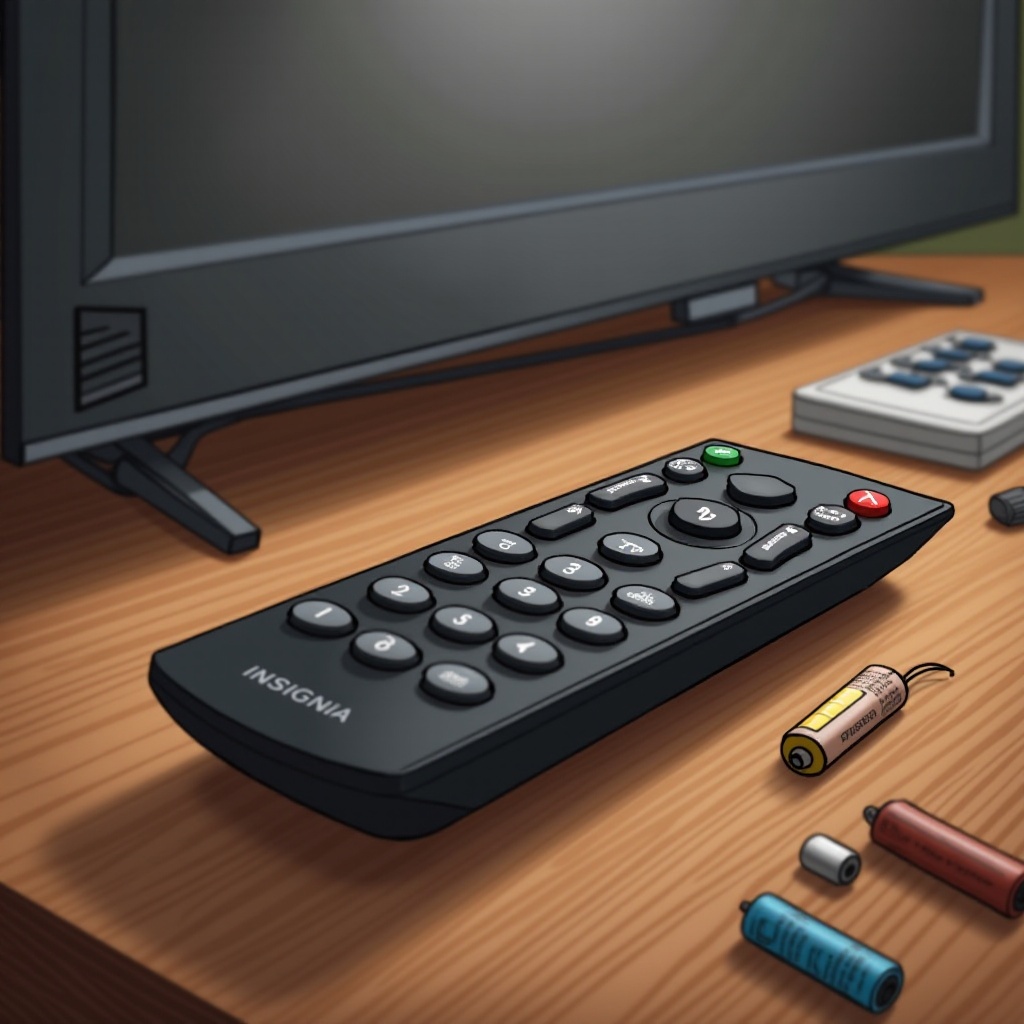
- Remote Control Malfunctions: Often, the remote is the source of the issue. Its batteries might be dead, or the remote might not be correctly synced with the TV.
- Cable Connections: Faulty or loose cables can disrupt the audio signal. Inspect all connections to ensure they are firmly connected.
Addressing these standard areas can quickly resolve simple audio issues. If the problem persists, more extensive troubleshooting is necessary.
Quick Fixes for Insignia TV Volume Problems
Before diving into complex methods, let’s start with some quick fixes. These easy checks and adjustments often restore functionality.
- Check for Mute and Volume Levels: Double-check your TV settings to ensure the mute option isn’t activated, and increase the volume if necessary.
- Ensure Proper Cable Connections: Examine each cable connection, ensuring they are correctly and securely attached, particularly HDMI and audio cables.
- Test the Remote Control’s Functionality: Replace any old remote batteries and re-sync it with the TV if necessary.
If these simple measures do not resolve the problem, proceed with advanced troubleshooting techniques.
Advanced Troubleshooting Steps
Sometimes, volume issues require a more in-depth approach to solve. Let’s look into these advanced solutions that may address the root causes of persistent problems.
Inspect Software and Firmware Updates: Outdated software or firmware can cause glitches affecting audio performance.
- Navigate to your TV Settings.
- Find the Software Update section.
- Follow the on-screen prompts to update the firmware to the latest version.
Reset Audio Configuration Settings: Incorrect audio settings may lead to lost sound.
- Access the audio settings menu on your TV.
- Find the ‘Reset to Default’ option.
- Confirm the selection to revert audio settings to their original configuration.
Isolate and Test External Devices: External devices connected to the TV might interfere with the audio output.
- Disconnect all external devices.
- Test the TV’s sound without these devices attached.
- Gradually reconnect each device to identify any causing an issue.
These troubleshooting steps should help identify deeper audio issues and how to solve them for your Insignia TV.
When to Consider Professional Repair
While many audio issues can be resolved at home, some hardware-related problems may require professional intervention. If your Insignia TV continues to experience volume problems after attempting the above methods, it may be time to seek professional repair services.
- Identifying Hardware-Related Issues: If your Insignia TV has endured physical damage, internal components might need repair.
- Importance of Professional Assessment: Skilled technicians have the equipment and expertise to diagnose and address hardware issues accurately.
This step should be considered after attempting all feasible troubleshooting steps within this guide.
Conclusion
Encountering volume problems with your Insignia TV can be an inconvenience, yet it is often possible to fix these issues without extensive difficulty. By following the outlined methods in this guide, you can diagnose the problem and implement a solution to restore sound to your TV. Remember, proper troubleshooting can frequently save you from costly repairs.
Frequently Asked Questions
Why is my Insignia TV not producing any sound even though the volume is up?
Ensure your TV isn’t on mute, check volume settings, and verify all cable connections for disruptions.
How do I reset my Insignia TV volume settings to default?
Go to the audio settings menu, select ‘Reset to Default’, and confirm the selection to reset volume settings.
What should I do if my Insignia TV remote isn’t working for volume control?
Replace the remote’s batteries, re-sync it with the TV, or try using another remote for testing purposes.